My Favourite Home Assistant Automations
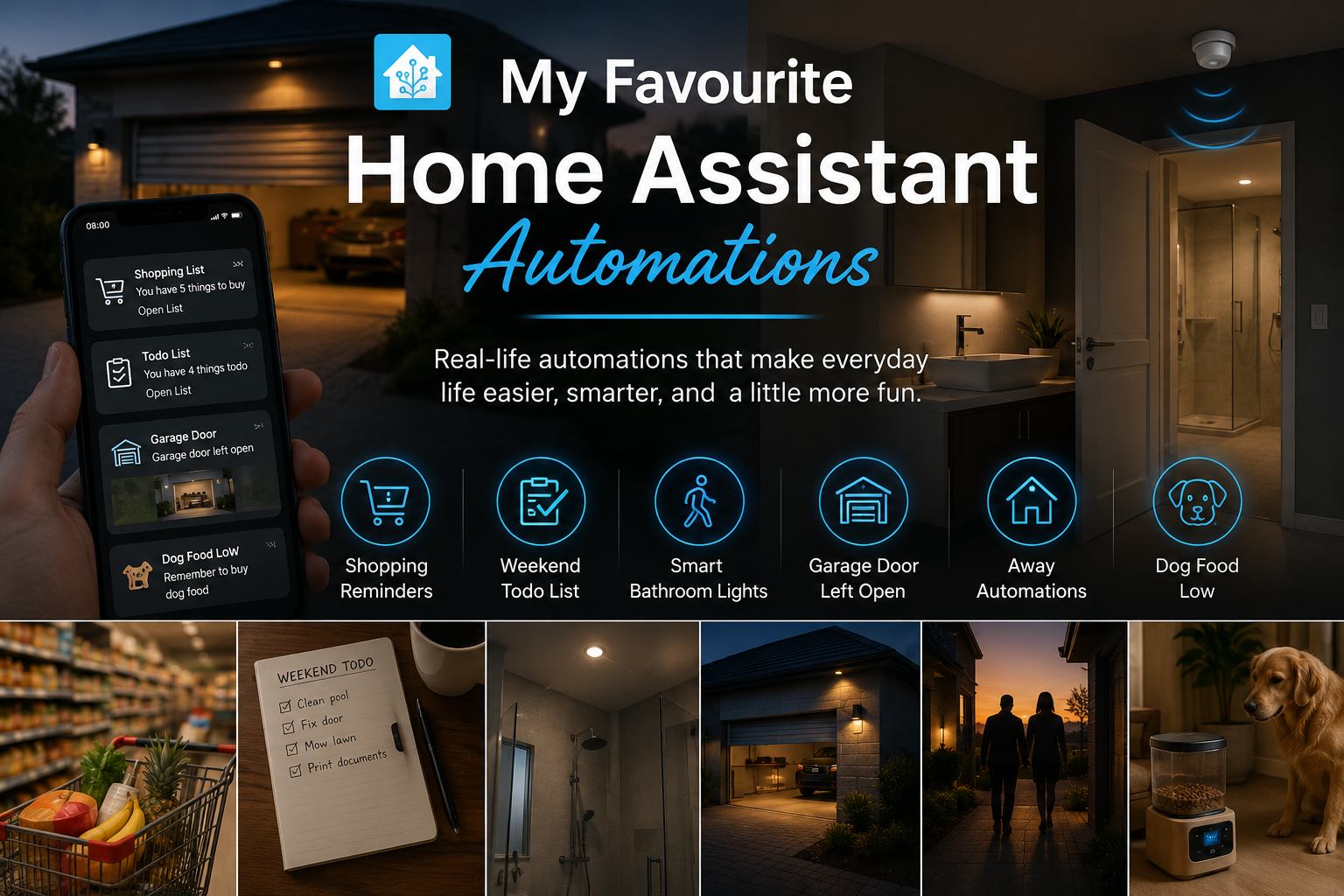
One of the biggest reasons I love Home Assistant isn't the smart lights or fancy dashboards—it's the tiny automations that solve everyday problems. At the time or writing this post, I have 86 automation in Home Assistant, I love alot of them, but these are some of my favourites, even though its hard to pick favourites here.
- 🛒 Never Forget the Shopping List Again
- 📅 Weekend To-Do Reminders That Actually Work
- 🚿 Building the Perfect Smart Bathroom (Motion + Door Sensor)
- 🚗 Oops, You Left the Garage Door Open
- 🏠 Making the House Smarter When Nobody's Home
- 🐶 A Smart Dog Food Bin That Tells Me When It's Empty
1. Never Forget the Shopping List Again - Home Assistant Shopping Reminder
My wife and I use the Home Assistant Shopping List, this is a new addition. Throughout the week we can add items as we think of them, but there's one problem...
Someone inevitably arrives at the shops and completely forgets to check the list.
Instead of relying on memory, I let Home Assistant do the remembering.
Whenever my wife arrives at one of our regular shopping centres, Home Assistant checks whether there are any items on the shopping list. If there are, it automatically sends a push notification to her phone reminding her to open the list before she starts shopping.
The best part is that it only sends the notification when there's actually something to buy, so there are no unnecessary alerts.
How it works
The automation is surprisingly simple.
- Detect when my wife enters one of our shopping zones.
- Check if the shopping list contains any incomplete items.
- Wait a few minutes if Android Auto is active, preventing notifications while she's driving past a shop and not stopping there.
- Retrieve all outstanding shopping list items.
- Send a mobile notification showing how many items are waiting.
The notification includes a button that opens the Home Assistant Shopping List directly, making it just one tap away.
Because it uses geofencing, the reminder only appears when it's actually useful—not randomly during the day.
The Automation Code
alias: Reminder - Items On Shopping List
description: Sends a push notification for shopping list when at the shops
triggers:
  - trigger: zone.entered
    target:
      entity_id: person.cheryl
    options:
      for: "00:00:00"
      zone: zone.shop_1

  - trigger: zone.entered
    target:
      entity_id: person.cheryl
    options:
      for: "00:00:00"
      zone: zone.shop_2

  - trigger: zone.entered
    target:
      entity_id: person.cheryl
    options:
      for: "00:00:00"
      zone: zone.shop_3

conditions:
  - condition: todo.incomplete
    target:
      entity_id: todo.shopping_list
    options:
      threshold:
        type: above
        value:
          active_choice: number
          number: 0

actions:
  - wait_for_trigger:
      - trigger: state
        entity_id:
          - binary_sensor.cheryl_phone_android_auto
        from: "on"
        to: "off"
    timeout: "00:05:00"
    continue_on_timeout: false

  - action: todo.get_items
    target:
      entity_id: todo.shopping_list
    data:
      status: needs_action
    response_variable: shopping_items

  - action: notify.mobile_app_cheryl_phone
    data:
      title: Shopping List
      message: >
        {% set count = shopping_items['todo.shopping_list']['items'] | count %}
        {% if count == 1 %}
          You have 1 thing to buy
        {% else %}
          You have {{ count }} things to buy
        {% endif %}
      data:
        car_ui: true
        notification_icon: mdi:reminder
        clickAction: todo?entity_id=todo.shopping_list
        actions:
          - action: URI
            title: Open List
            uri: todo?entity_id=todo.shopping_list

mode: parallel
This isn't the most complicated automation in my Home Assistant setup, but it's definitely one of the most useful.
It's a perfect example of what home automation should be: quietly helping in the background without anyone needing to think about it.
2. Weekend To-Do Reminders with Home Assistant
There are always those jobs that get pushed to "the weekend."
Clean the pool.
Fix that squeaky door.
Print that document.
Replace a light bulb.
I used to keep a mental list of everything I wanted to get done, but by Saturday morning I'd usually forget half of it. Home Assistant already has a built-in To-do List, so why not let it remind me?
Every Saturday and Sunday morning at 8:00 AM, Home Assistant checks whether there are any unfinished tasks on my personal To-do List. If there are, I receive a simple notification telling me how many jobs are waiting.
It's a tiny automation, but it helps start the weekend with a clear plan instead of wondering, "What was I supposed to do today?"
How it works
The automation is intentionally simple:
- Triggers every Saturday and Sunday at 8:00 AM.
- Checks whether my To-do List has any incomplete tasks.
- Retrieves the outstanding items.
- Sends a push notification with the number of remaining tasks.
- Includes a shortcut that opens the To-do List directly inside Home Assistant.
Because the notification is only sent when there are outstanding tasks, I never get unnecessary reminders.
The Automation Code
alias: Reminder - Weekend Todo List
description: Sends a push notification for weekend todo list
triggers:
  - trigger: time
    at: "08:00:00"
    weekday:
      - sat
      - sun
conditions:
  - condition: todo.incomplete
    target:
      entity_id: todo.to_do_list
    options:
      for: "00:00:00"
      threshold:
        type: above
        value:
          active_choice: number
          number: 0
actions:
  - action: todo.get_items
    metadata: {}
    target:
      entity_id: todo.to_do_list
    data:
      status: needs_action
    response_variable: todo_items
  - action: notify.mobile_app_collin_a34
    data:
      message: |-
        {% set count = todo_items['todo.to_do_list']['items'] | count %}
        {% if count == 1 %}
          You have 1 thing todo
        {% else %}
          You have {{ count }} things todo
        {% endif %}
      data:
        car_ui: true
        notification_icon: mdi:reminder
        clickAction: todo?entity_id=todo.to_do_list
        actions:
          - action: URI
            title: Open List
            uri: todo?entity_id=todo.to_do_list
      title: Todo List
mode: parallel
Why I like it
This automation isn't about productivity—it's about removing the mental overhead of remembering everything.
Instead of spending the first hour of Saturday trying to remember what I wanted to do, Home Assistant simply reminds me.
3. A Bathroom Light That Actually Feels Smart
Motion-controlled lights are one of the first automations many people build.
Unfortunately, they're also one of the most frustrating.
You're standing perfectly still in the shower...
…and suddenly you're in complete darkness.
I wanted something that actually understood whether the bathroom was occupied.
Instead of relying only on a PIR sensor, this automation combines:
- Motion detection
- Door state
- Time of day
- An enable/disable switch
When motion is detected during the evening, the bathroom room light turns on.
The clever part happens when turning it off.
The light only switches off if:
- no motion has been detected for two minutes,
- and the bathroom door is open.
This means someone can spend ten minutes in the shower without moving much and the light stays on because the door remains closed.
As soon as the door opens and nobody is detected inside, the light turns off automatically.
It feels far more natural than a standard PIR automation.
The Automation Code
alias: "Ensuite Bathroom Light: Smart Motion and Door"
description: Handles shower occupancy using motion and door sensors
triggers:
  - entity_id:
      - binary_sensor.ensuite_bathroom_motion_pir_occupancy
    to:
      - "on"
    id: motion_on
    trigger: state
  - entity_id:
      - binary_sensor.ensuite_bathroom_motion_pir_occupancy
    to:
      - "off"
    for:
      minutes: 2
    id: motion_off_2min
    trigger: state
  - entity_id:
      - binary_sensor.ensuite_bathroom_door_contact
    to:
      - "on"
    id: door_opened
    trigger: state
conditions: []
actions:
  - choose:
      - conditions:
          - condition: trigger
            id: motion_on
          - condition: time
            after: "16:00:00"
            before: "21:00:00"
          - condition: switch.is_on
            target:
              entity_id: input_boolean.ensuite_motion_sensor
            options:
              behavior: any
              for: "00:00:00"
        sequence:
          - action: light.turn_on
            data: {}
            target:
              entity_id: light.dressing_room_light
      - conditions:
          - condition: or
            conditions:
              - condition: trigger
                id: motion_off_2min
              - condition: trigger
                id: door_opened
        sequence:
          - condition: state
            entity_id: binary_sensor.ensuite_bathroom_door_contact
            state:
              - "on"
          - condition: state
            entity_id: binary_sensor.ensuite_bathroom_motion_pir_occupancy
            state:
              - "off"
          - action: light.turn_off
            data: {}
            target:
              entity_id: light.dressing_room_light
mode: restart
Why this works so well
Adding a second sensor completely changes the experience.
Rather than asking:
"Has there been movement?"
The automation asks:
"Is someone likely still inside?"
That small difference makes the automation feel intelligent.
4. AI Reminds Me I Left the Garage Door Open
This is probably one of my favourite automations because it combines security with a bit of humour.
Whenever the last person leaves home, Home Assistant checks one important thing:
Did we leave the garage door open?
If the answer is yes, several things happen automatically.
First, a snapshot is taken from my CCTV camera.
Then my AI notification script generates a short sarcastic reminder.
Instead of receiving the same boring message every time, I might get something like:
Nice garage display today
or
Hope nobody wanted your tools
Finally, the notification includes:
- A live snapshot of the garage
- A button to close the garage door
- A cancel button if I intentionally left it open
I don't even need to open Home Assistant. The idea of the snapshot is both to make sure the door is open, sometimes zigbee contact sensors get it wrong, also to make sure there is no car or obstacle under the door before I press close on the notification button.
Everything is available directly from the notification.
The Automation Code
alias: Garage Door Left Open Alert - Nobody Home
description: ""
triggers:
  - trigger: zone
    entity_id: person.collin
    zone: zone.home
    event: leave
  - trigger: zone
    entity_id: person.cheryl
    zone: zone.home
    event: leave
conditions:
  - condition: not
    conditions:
      - condition: state
        entity_id: person.collin
        state: home
  - condition: not
    conditions:
      - condition: state
        entity_id: person.cheryl
        state: home
  - condition: state
    entity_id: cover.garage_controller_front_garage_door
    state:
      - open
actions:
  - variables:
      snapshot_filename: garagedoor_{{ now().timestamp() | int }}.jpg
      snapshot_path: /config/www/snapshots/{{ snapshot_filename }}
      snapshot_url: >-
        https://yourdomain.com/local/snapshots/{{
        snapshot_filename}}
  - action: camera.snapshot
    metadata: {}
    data:
      filename: "{{ snapshot_path }}"
    target:
      entity_id: camera.home_cctv_profilename003
  - action: script.dynamic_ai_generated_notifications
    metadata: {}
    data:
      ai_prompt: >-
        Generate a short funny or sarcastic push notificaiton text telling me
        that I left the garage door open. Just provide one option, max 7 words,
        with no punctuation surrounding the text
      default_message: Garage door left OPEN
    response_variable: message
    enabled: true
  - action: notify.notify_all_members
    data:
      title: URGENT!
      data:
        car_ui: true
        notification_icon: mdi:garage-alert-variant
        image: "{{ snapshot_url }}"
        actions:
          - action: CLOSE_GARAGE
            title: Close Garage
          - action: IGNORE_ALERT
            title: Cancel
            destructive: true
      message: "{{ message.text }}"
mode: single
Why I love it
This is a great example of combining multiple Home Assistant features into one useful automation:
- Presence detection
- Camera snapshots
- AI-generated messages
- Actionable notifications
It's practical, but it also makes me smile.
5. Making the House Smarter When Nobody's Home
One of my goals is making the house secure without having to remember anything.
Whenever the last person leaves home, Home Assistant begins switching certain features into "away mode."
Examples are disabling the garage keypad, closing street facing windows blinds and activatiing an automation that sends notifications for any door or window that opens.
If nobody is home, there's no reason for the keypad to remain active. (I also disable the keypad at night when we go to bed)
As soon as we leave:
- the keypad is disabled,
- other away automations begin running,
- and the house quietly prepares itself for being empty.
Simple.
Reliable.
Automatic.
The Automation Code
alias: Keypad - Disable When Nobody Is Home
description: ""
triggers:
  - trigger: zone
    entity_id: person.collin
    zone: zone.home
    event: leave
  - trigger: zone
    entity_id: person.cheryl
    zone: zone.home
    event: leave
conditions:
  - condition: not
    conditions:
      - condition: state
        entity_id: person.collin
        state: home
  - condition: not
    conditions:
      - condition: state
        entity_id: person.cheryl
        state: home
actions:
  - action: input_boolean.turn_off
    metadata: {}
    data: {}
    target:
      entity_id: input_boolean.keypad_enabled
mode: single
This automation is also part of a much larger "Nobody Home" routine that controls several other parts of the house.
6. My Dog Food Bin Tells Me When It's Running Low
This is probably the most unexpected automation in my Home Assistant setup.
I keep the dog food container sitting on a load cell connected to an ESPHome device.
Every time I feed the dogs, Home Assistant knows exactly how much food remains.
When the weight drops below my chosen threshold, it marks the food as running low.
The clever part comes later.
Instead of immediately sending a notification while I'm at home, Home Assistant waits until I leave work, since I would drive past the pet store anway.
As I'm driving home, I receive a reminder telling me to buy dog food while I'm already out.
Even better, the message is generated by AI, so every reminder is slightly different.
No more arriving home only to realise the dogs are almost out of food.
The Automation Code
alias: Reminder - Buy Dog Food Notification
description: ""
triggers:
  - trigger: zone
    entity_id: person.collin
    zone: zone.work
    event: leave
conditions:
  - condition: state
    entity_id: input_boolean.dog_food_low
    state: "on"
    enabled: true
actions:
  - action: script.dynamic_ai_generated_notifications
    metadata: {}
    data:
      ai_prompt: >-
        Generate a short funny push notificaiton text reminder that the dogs
        food is low and must buy more. Just provide one option, max 7 words,
        with no punctuation surrounding the text
      default_message: Remember to buy dog food
    response_variable: message
    enabled: true
  - action: notify.mobile_app_collin_a34
    data:
      title: Dog food LOW
      data:
        car_ui: true
        notification_icon: mdi:dog
      message: "{{ message.text }}"
mode: single
Why it's useful
The reminder arrives at exactly the right time.
Not when I feed the dogs.
Not while I'm sitting at my desk.
Only when I'm already out and able to stop at the shops, it also appreas on my android auto dashboard so I can read it in the car.
That's what good home automation is all about.